The Fabrik studio
From the first idea
to the files you keep.
Create, inspect and refine game assets with one shared brief and a record of your decisions.
Start with the game you want to make.
Describe your genre, camera, visual style and first deliverables. Bring a brief or upload reference images. The agent asks for decisions, proposes a creative direction and turns the agreed scope into production work.
Saved references have a purpose and guidance you can edit. Approved assets and review feedback stay available to later planning. References guide generation; inspect each result for consistency.
How the agent uses your directionArt, motion, sound and models.
- 01
Images and edits
Create named characters, props, symbols, logos, backgrounds and UI images. Request variants or specific edits while preserving earlier versions.
- 02
2D animation
Import frames or animate a saved image. Choose actions and views, inspect individual frames, refine a problem frame, and adjust alignment, playback and loop settings.
Read the guide - 03
3D models
Generate from a prompt or reference images. Inspect the model, texture or remesh it, and use rigging and library clips for supported subjects.
Read the guide - 04
Audio
Create music, sound effects and voice lines. Listen to delivered files, request replacements and approve the version that fits the scene.
A specific change. A saved decision.
Ask for a smaller silhouette, a different prop or a revised sound. Review the delivered version, approve it or request changes. An approval belongs to that exact version, so later edits do not silently replace a reviewed file.
Workspace admins and members can create and review work. Viewers can inspect and download saved assets.
Set up a useful review process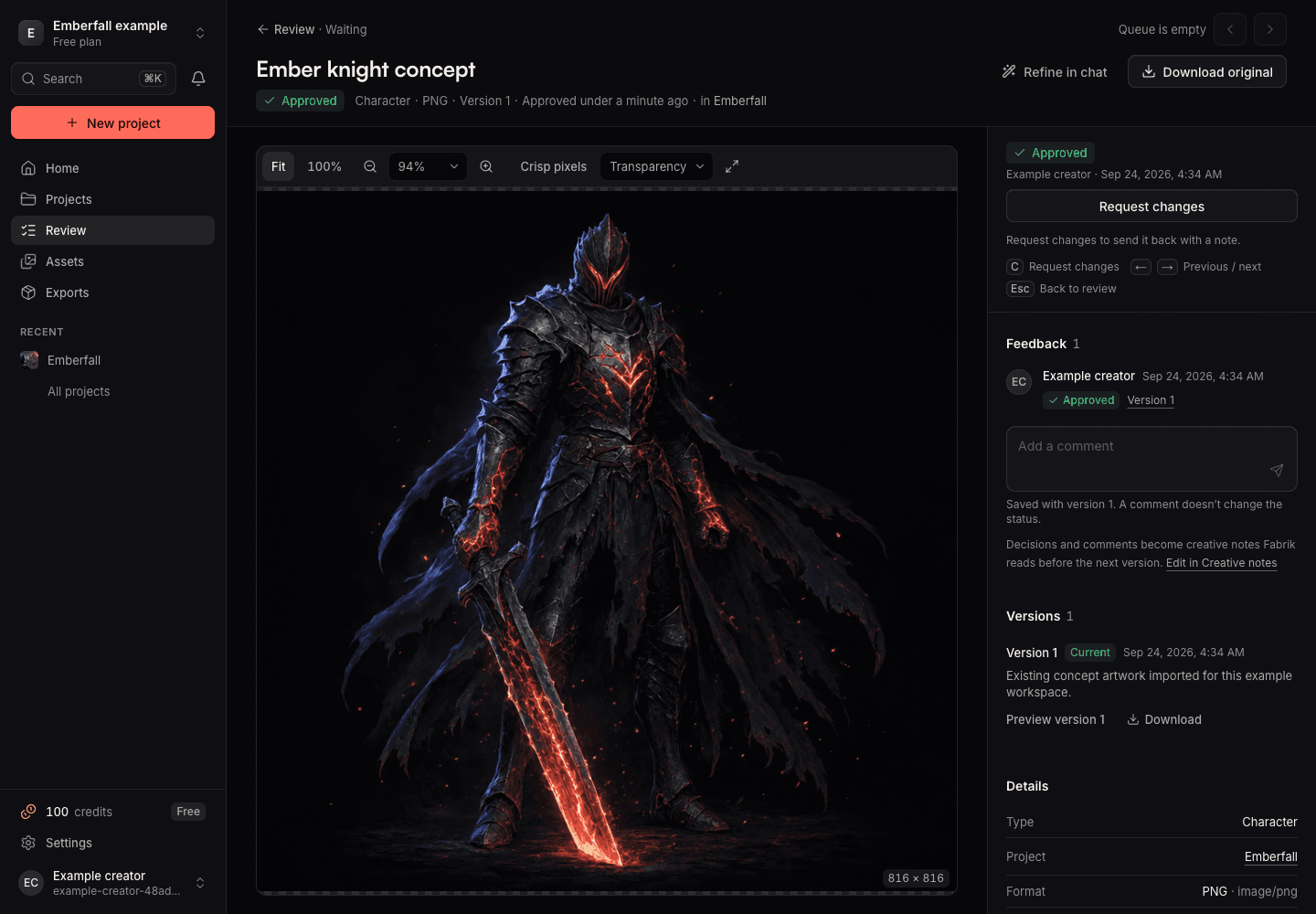
Find the work worth keeping.
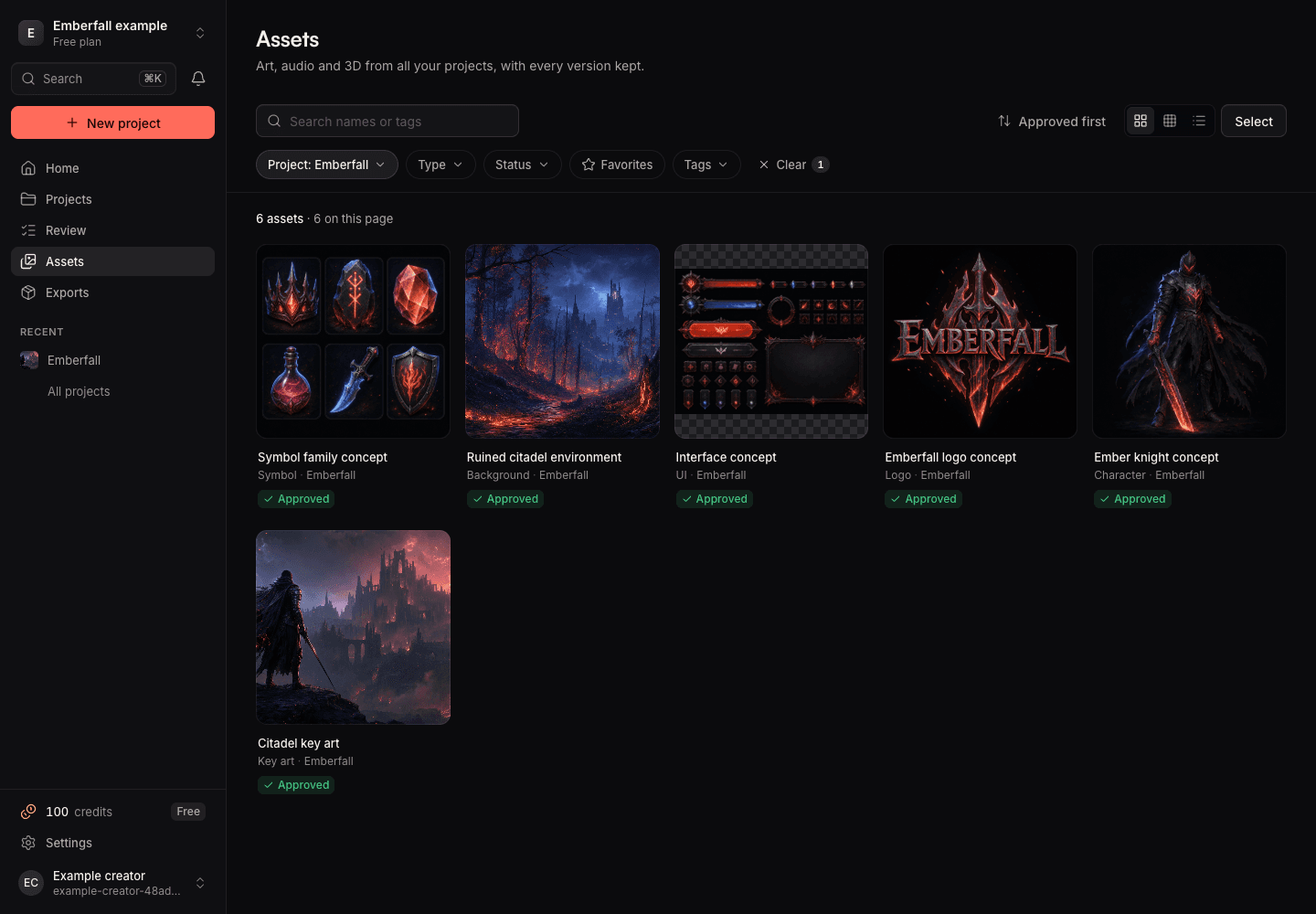
Search across your workspace by name, category, status or tags. Filter to a project, save favorites and organize related assets into collections. Select up to 200 assets for a shared review decision.
Projects support renaming, labels, archiving and restoration. Asset history keeps earlier files available for inspection and download.
See the progress and the spend.
Inspect estimates, reserved credits and finished work. Pause, resume or stop production at any time. Work that has already started may still finish after you stop, and everything saved is kept.
If production is interrupted, Recovery checks what was saved without paying twice. Review what finished before you generate again.
Understand production and recoveryTake approved work into your pipeline.
Download selected approved versions with their files and manifest. Animation exports include packed coordinates, timing and pivots; model exports include saved geometry, textures and available clips.
Godot 2D resources are available. Unity 2D import is a preview; the Unreal preset supplies folder and naming conventions.
Formats and engine supportTry it with a representative asset.
Start with one character, a few props or a short sound. Check the result in your game at the intended size before expanding the brief. Generated results still need creative and technical review.
First-project guideStart with your game.
Explore your first project with 100 starter credits after account confirmation. No card required.